Announcing our $950 million ceiling award to advance the Advanced Battle Management System (ABMS) for the US Air Force.
Learn More

You can execute commands, called slash commands, by typing into the text input box to perform operations in Polysentry. To run a slash command, type / followed by a command and some arguments to perform actions.
Built-In Commands
Built-in slash commands come with all Polysentry installations and custom slash commands are configurable to interact with external applications.
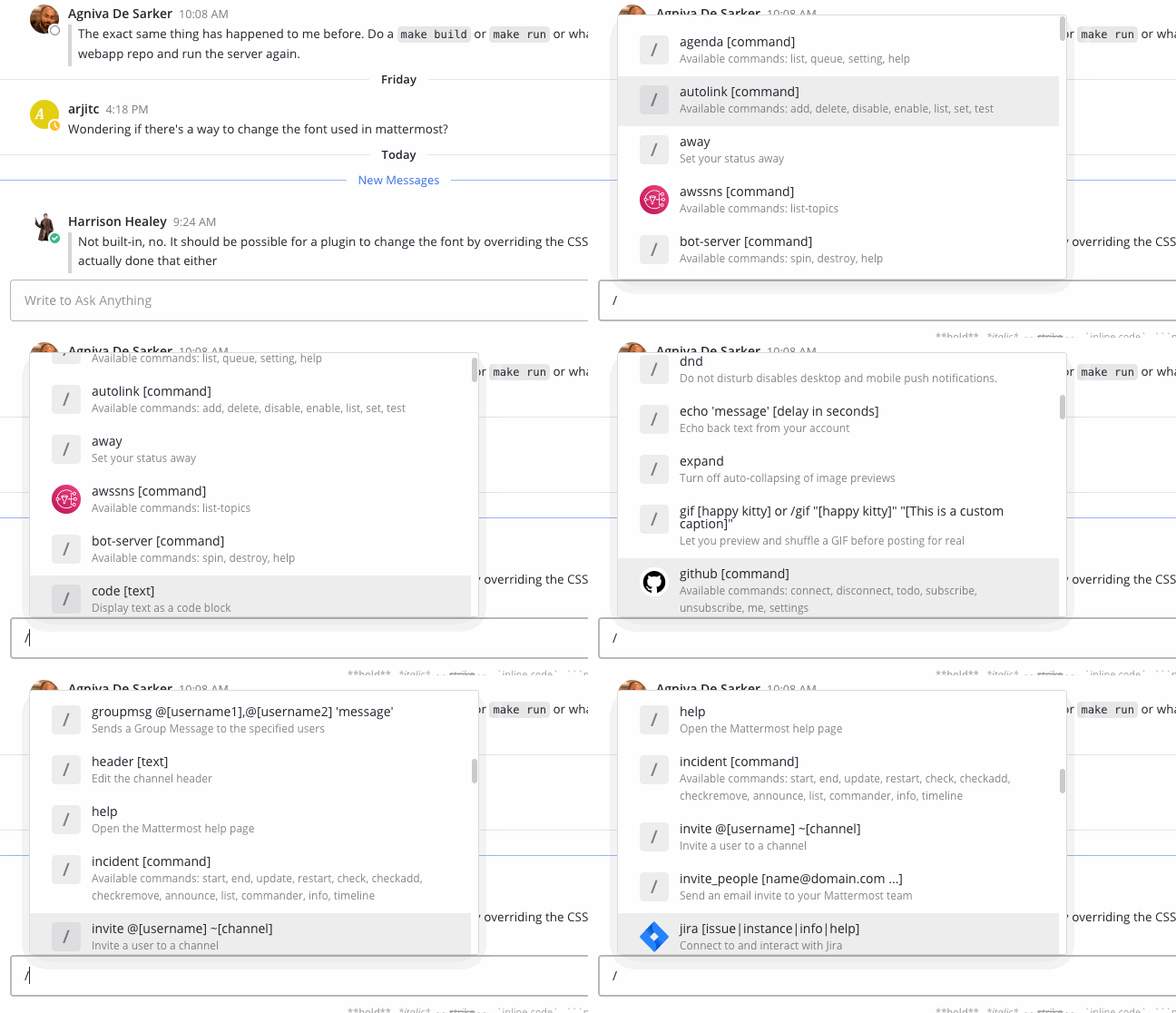
Begin by typing /. A list of slash command options displays above the text input box. The autocomplete suggestions provide you with a format example in black text and a short description of the slash command in grey text.
Custom Commands
Custom slash commands can integrate with external applications. For example, a team might configure a custom slash command to check internal health records with /patient joe smith or check the weekly weather forecast in a city with /weather toronto week. Check with your System Admin, or open the autocomplete list by typing /, to determine whether custom slash commands are available for your organization.
Custom slash commands are disabled by default and can be enabled by the System Admin in the System Console > Integrations > Webhooks and Commands.


